Set up your account
Before using the platform, set up an account and configure your organization.
info
First, contact us to get an account.
Then:
-
Log in to the platform.
-
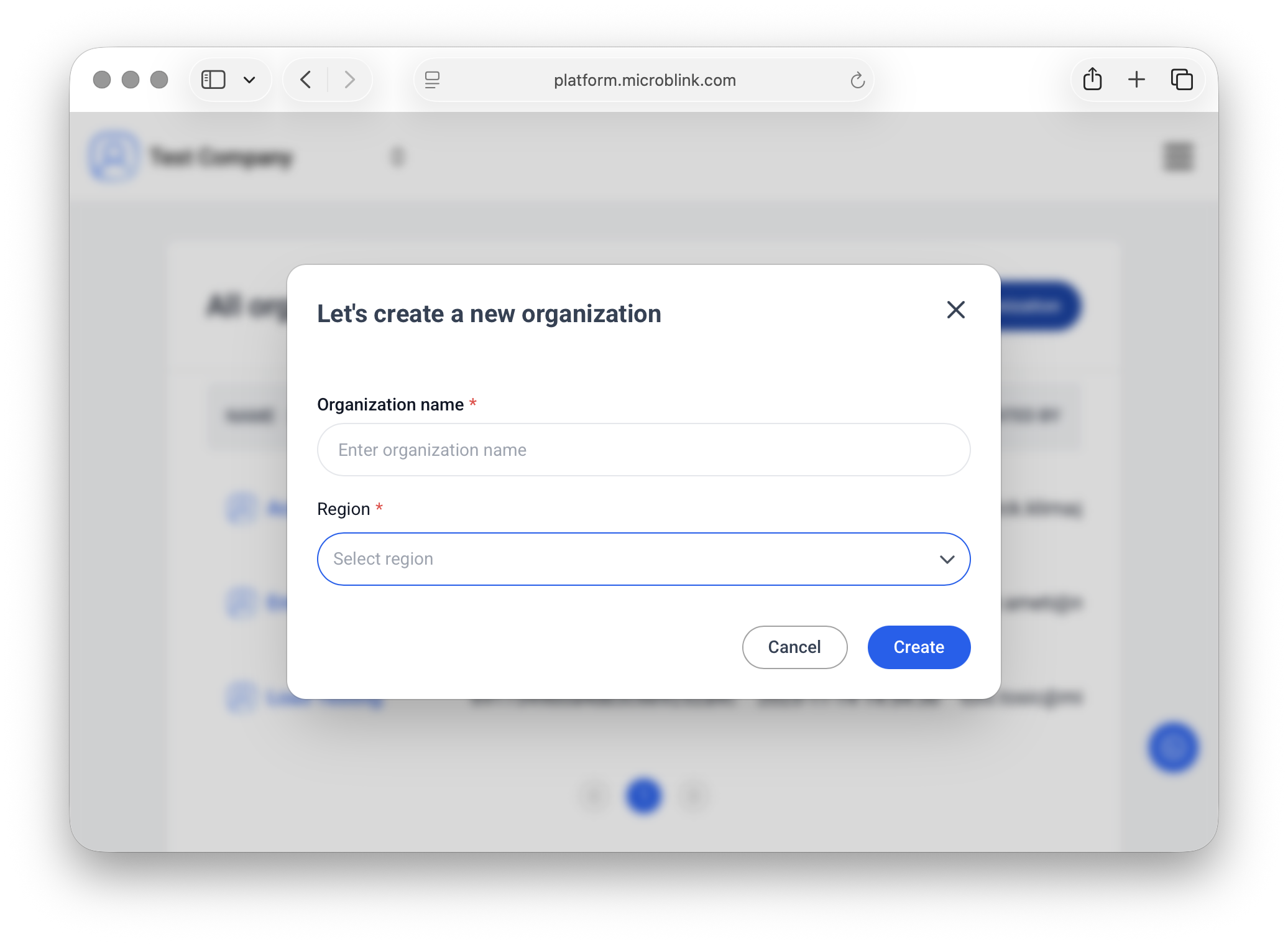
Create an organization: define your company’s structure, including separate teams or business units.
-
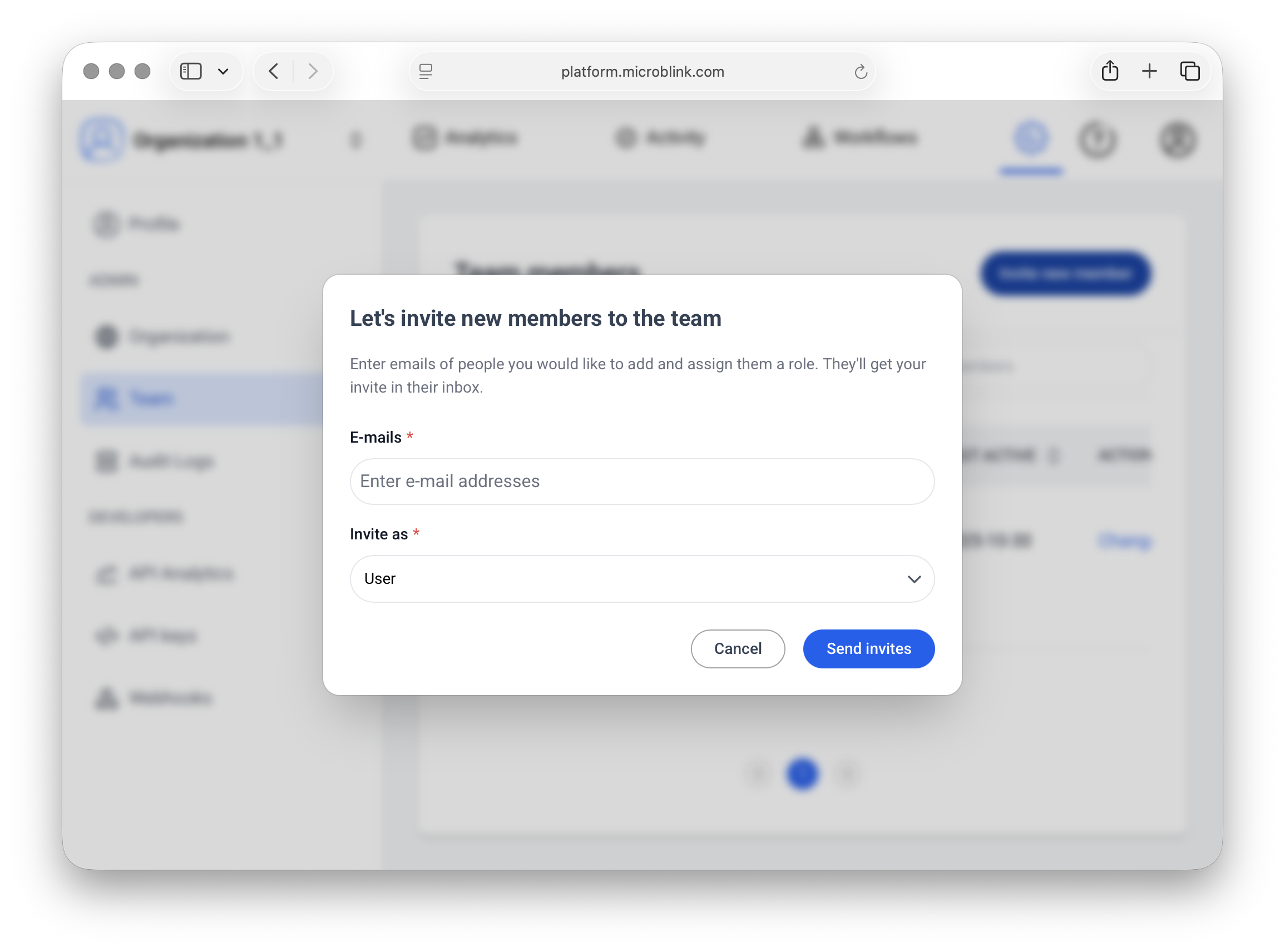
In Team, invite new members.
-
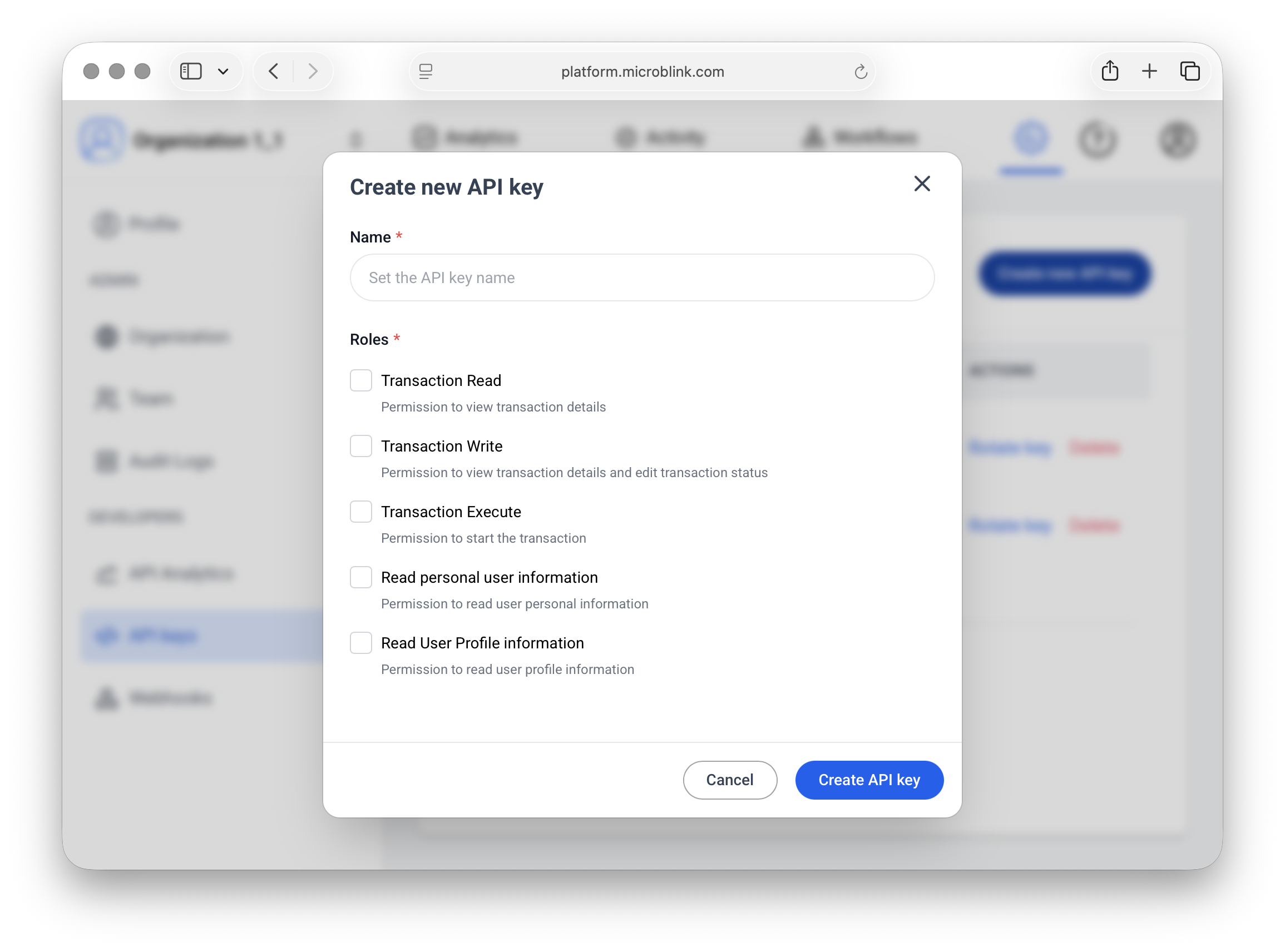
Generate API keys. In settings, open API Keys and select Create new API key. You need the API key to start integrating identity verification services.
You are now ready to build a workflow!