Customizing the look
It is not possible to move elements of the UI around, remove parts of the UI, or add new parts.
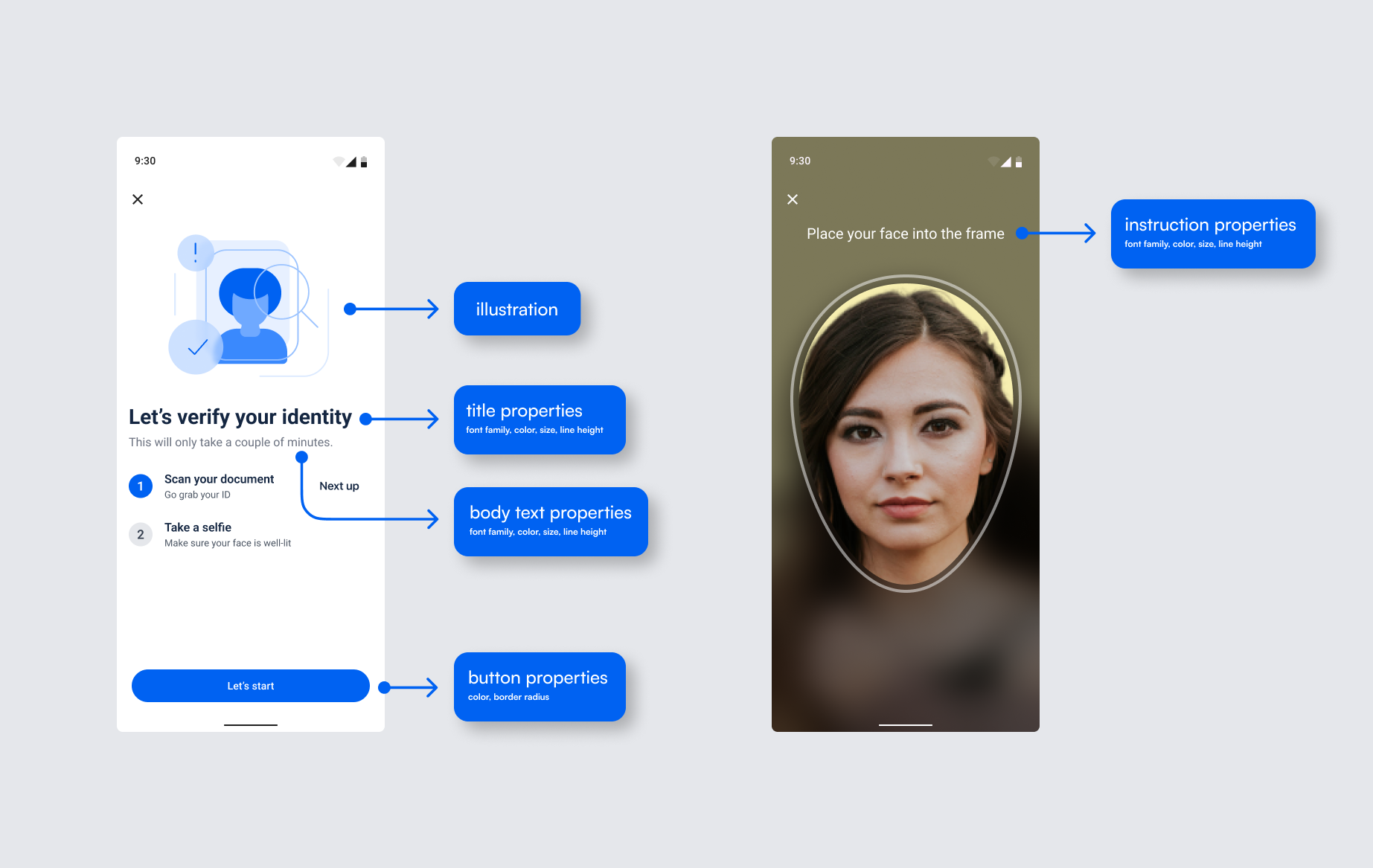
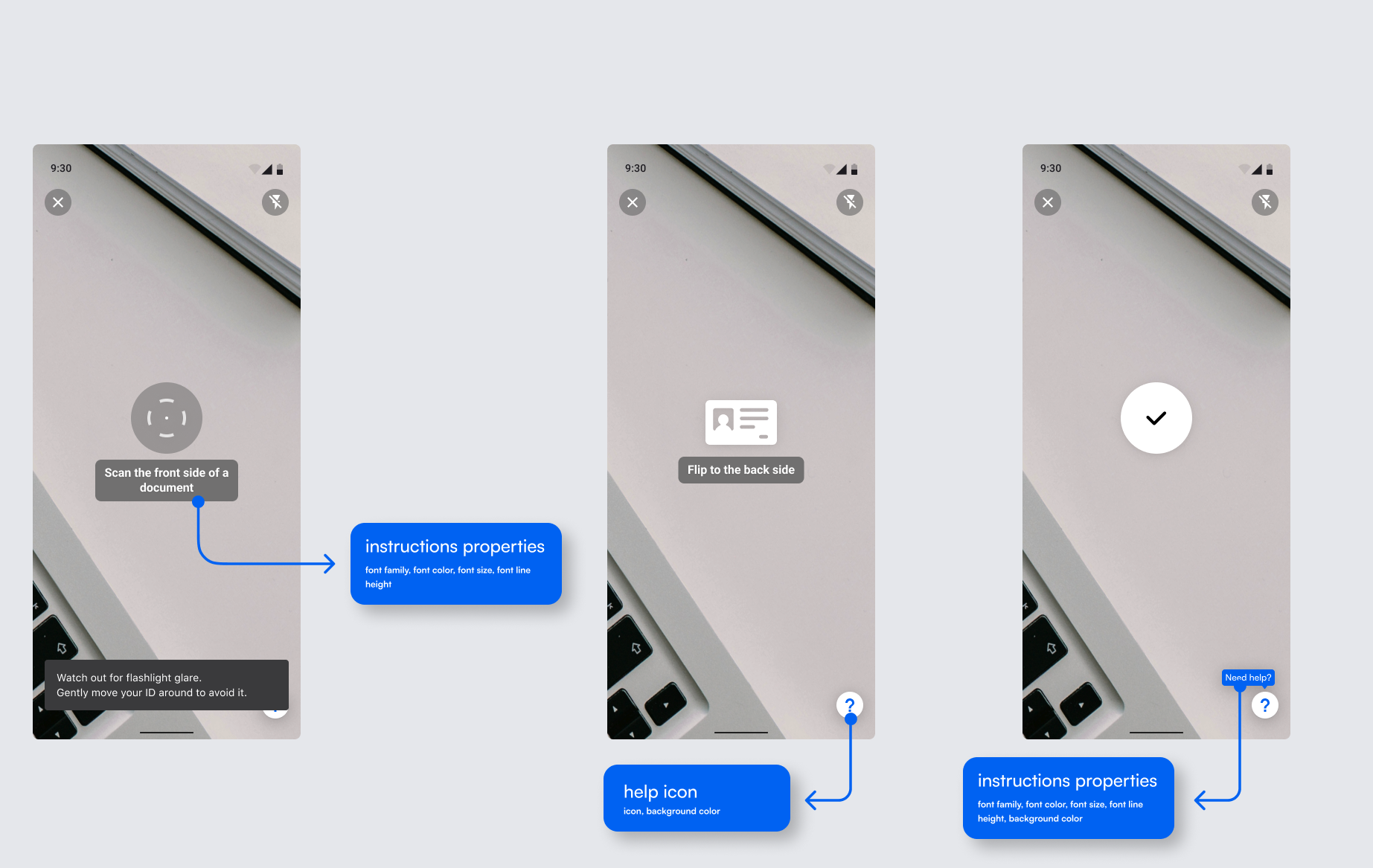
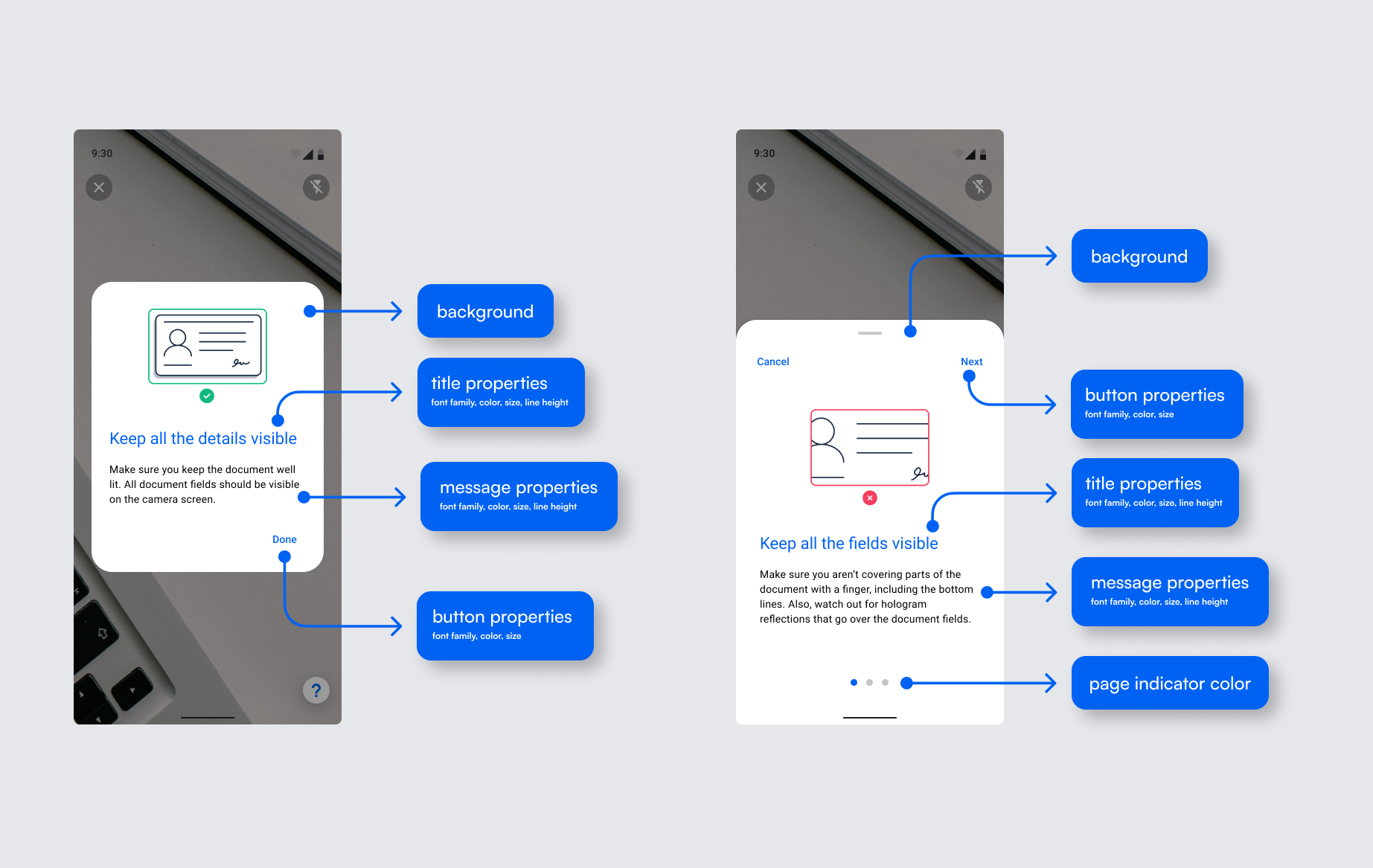
The Microblink Platform SDK comes with the ability to customize some aspects of the UI by using the UI theming. The screens can be customized to fit your app’s look and feel by defining UI settings.
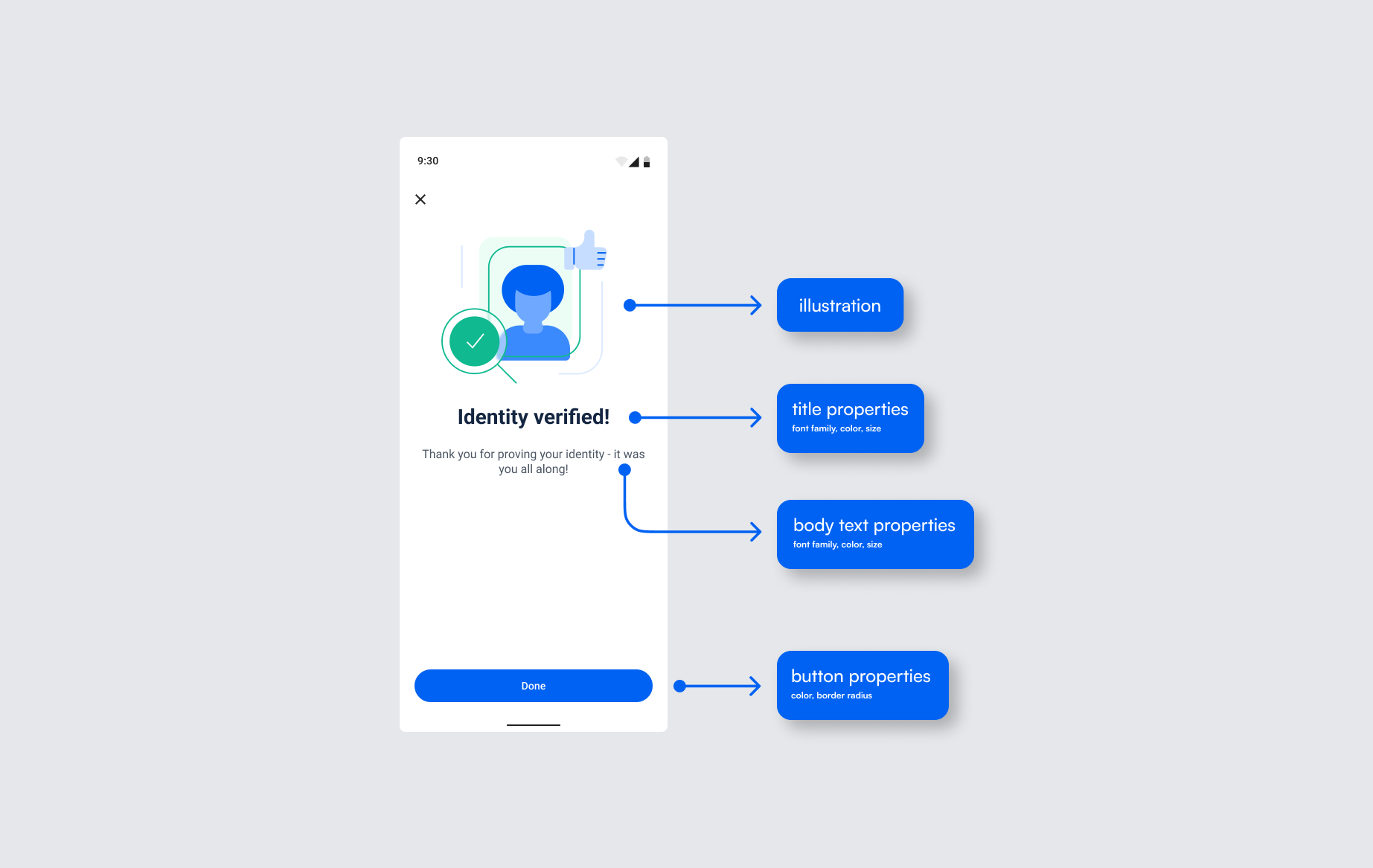
It is possible to change the images on the home screen, and each of possible result screens. Just pass the Drawables when creating MicroblinkPlatformUiSettings as below:
 mbpUiSettings = MicroblinkPlatformUiSettings(
        mbpImages = MicroblinkPlatformImages(
                home = R.drawable.mbp_home,
                verificationFail = R.drawable.mbp_verification_fail,
                verificationSuccess = R.drawable.mbp_verification_success,
                verificationReview = R.drawable.mbp_verification_review,
                cameraPermission = R.drawable.mbp_camera_permission,
            ),
        )
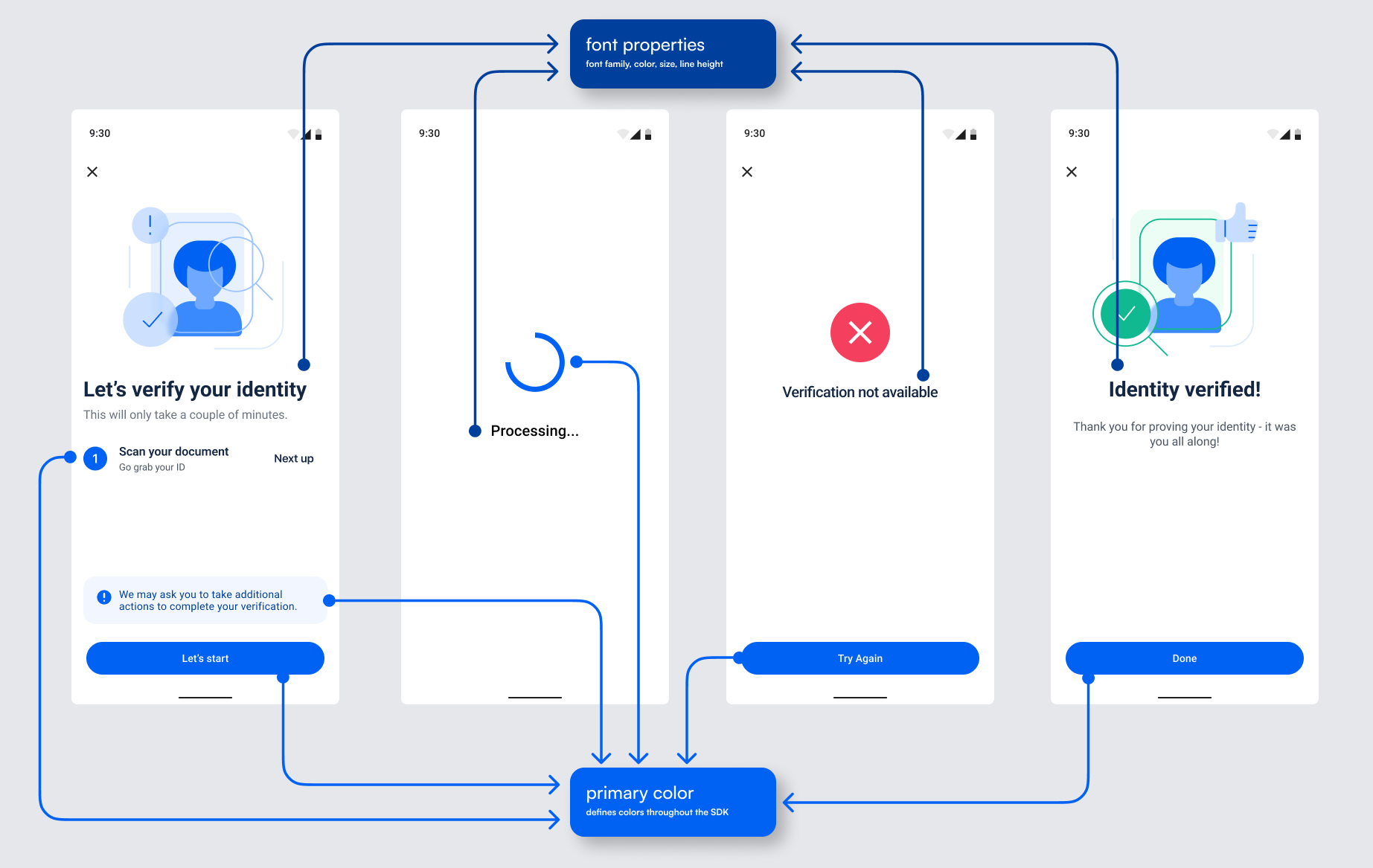
To change only the FontFamily of all texts, you can use the default typography defined in the SDK and just pass a different FontFamily. All of the other parameters (font weight, font size, line height, etc) will stay the same.
For example:
// load any FontFamily
private val allerta = FontFamily(
        Font(R.font.allerta, FontWeight.Normal),
    )

mbpUiSettings = MicroblinkPlatformUiSettings(
             typography = MicroblinkPlatformTypography.default(allerta),
             documentScanningTypography = ParcelableUiTypography.Default(allerta)
        )
If you wish to change other parameters, you can set TextStyle for each part of the SDK. For example, to change the home screen title font:
mbpUiSettings = MicroblinkPlatformUiSettings(
            typography = MicroblinkPlatformTypography(
                homeTitle = TextStyle(
                    fontWeight = FontWeight.Bold,
                    fontSize = 28.sp,
                    lineHeight = 32.sp,
                    color = DeepBlue
                ),
            )
        )
To change the color scheme (e.g. button or background colors), set the androidx.compose.material3.ColorScheme in MicroblinkPlatformUiSettings:
mbpUiSettings = MicroblinkPlatformUiSettings(
            colorScheme = lightColorScheme(
                primary = Cobalt,
                background = Color.White,
            )
        )
To change the Try againg/Let's start button shape, set the ButtonShape in MicroblinkPlatformUiSettings:
mbpUiSettings = MicroblinkPlatformUiSettings(
            buttonShape = ButtonShape(shape = CircleShape)
        )