Customization
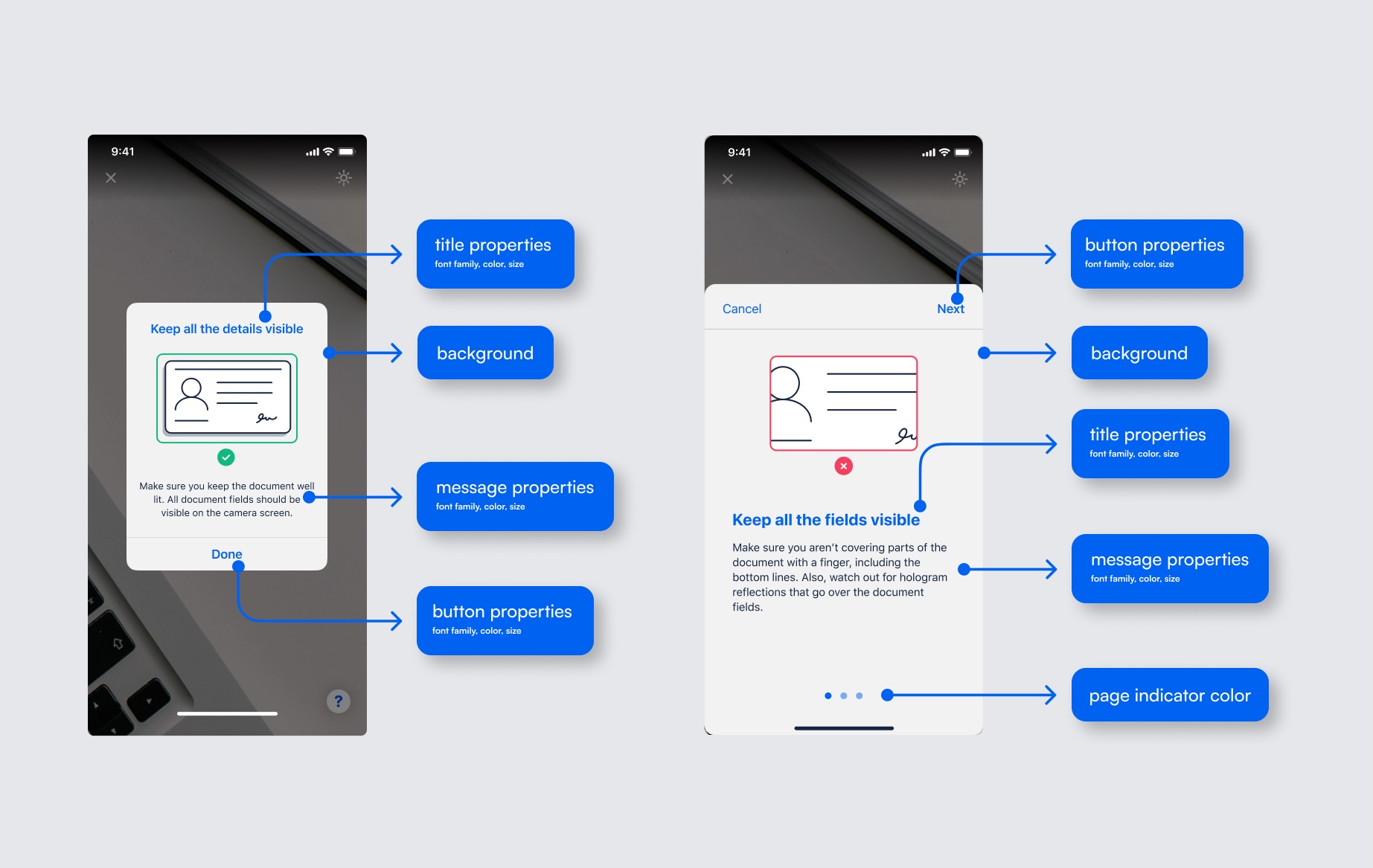
It is not possible to move elements of the UI around, remove parts of the UI, or add new parts.
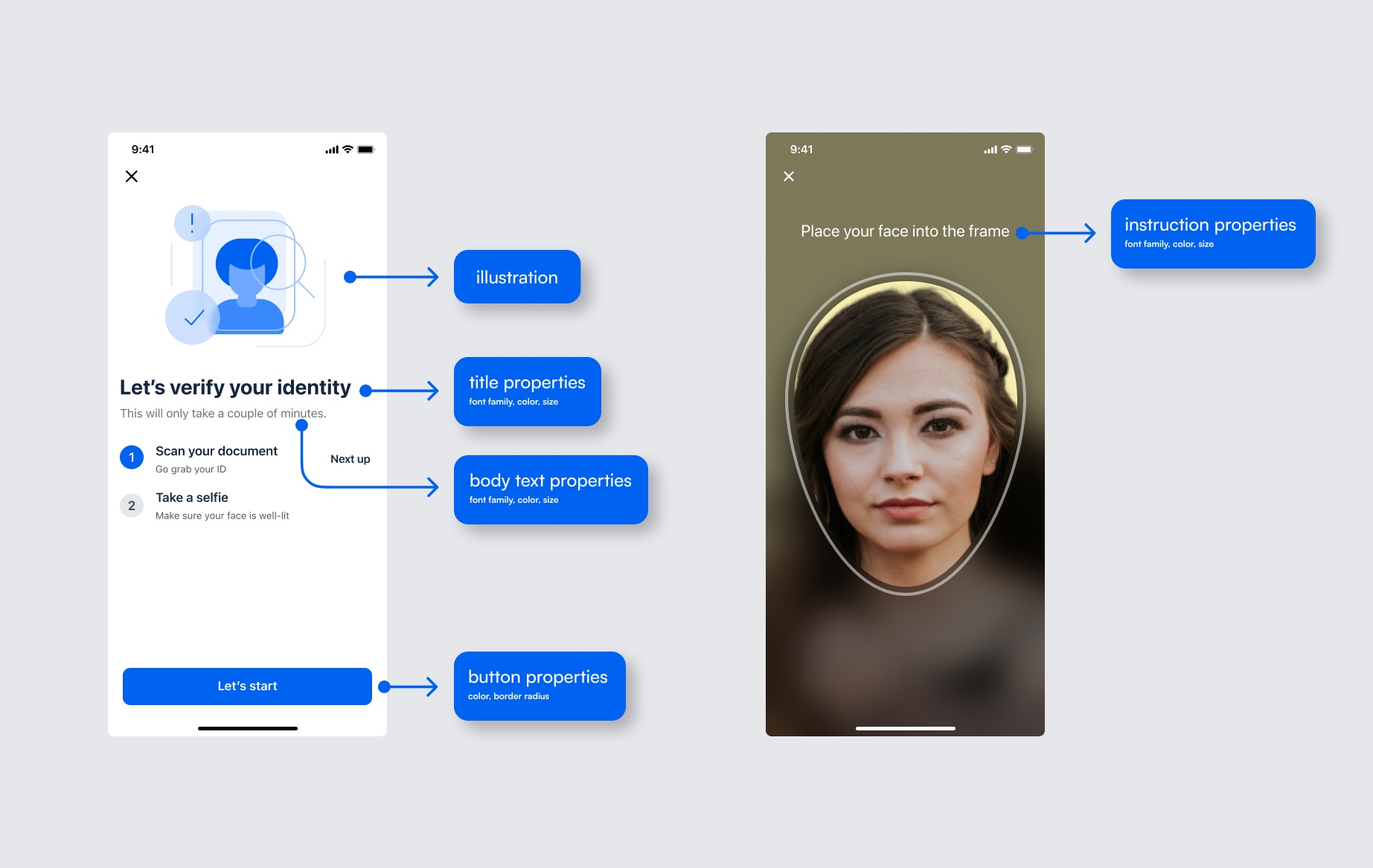
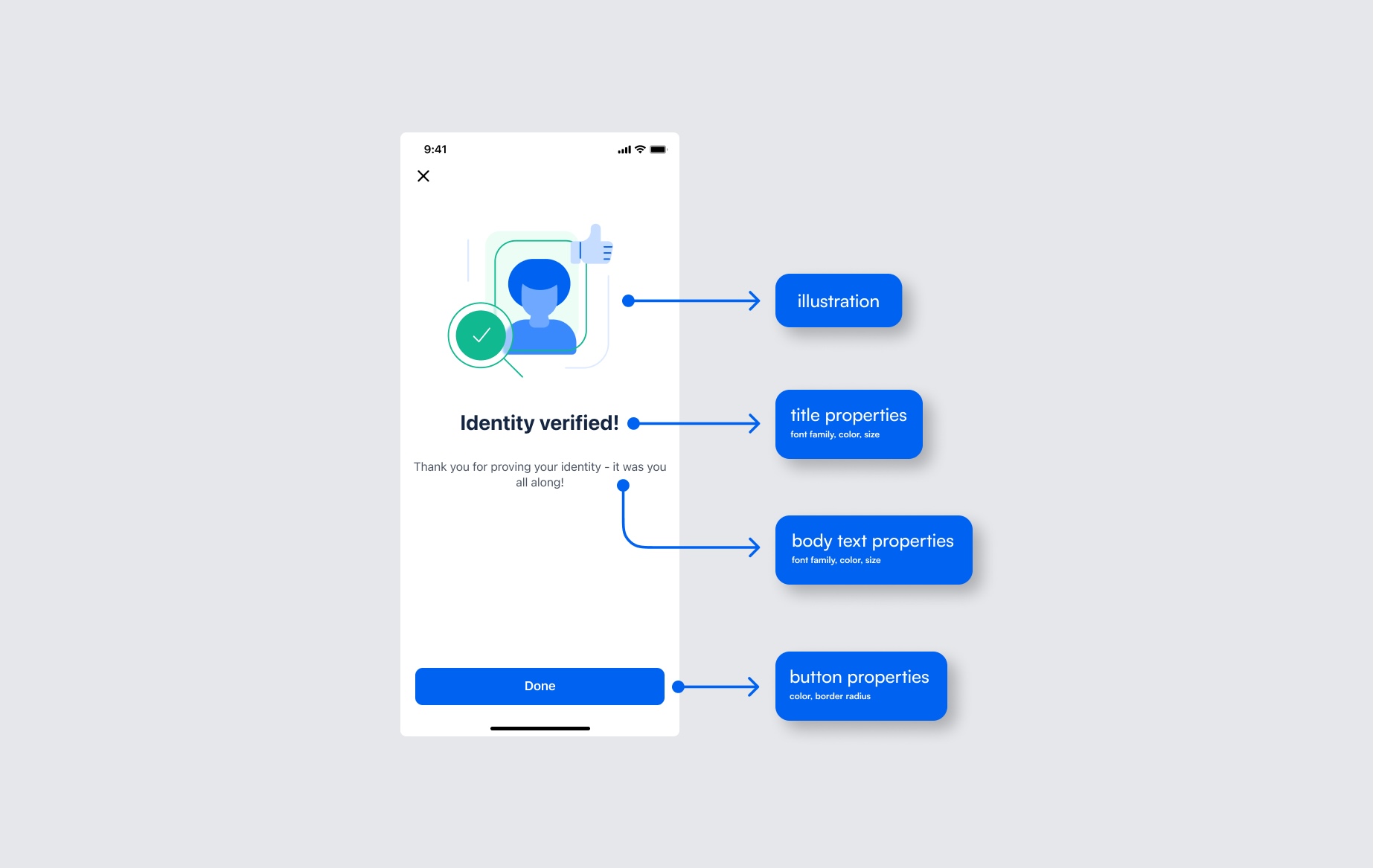
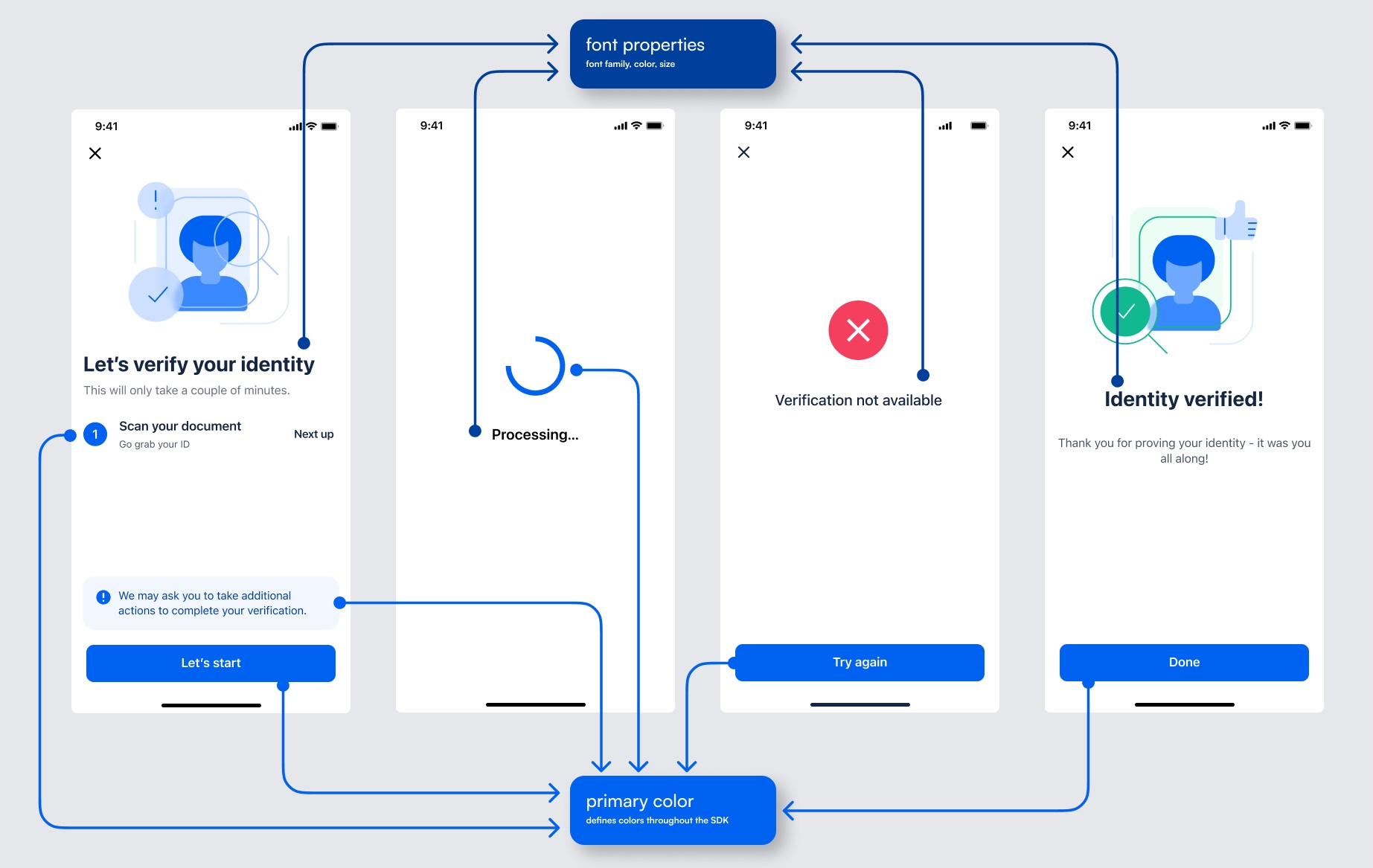
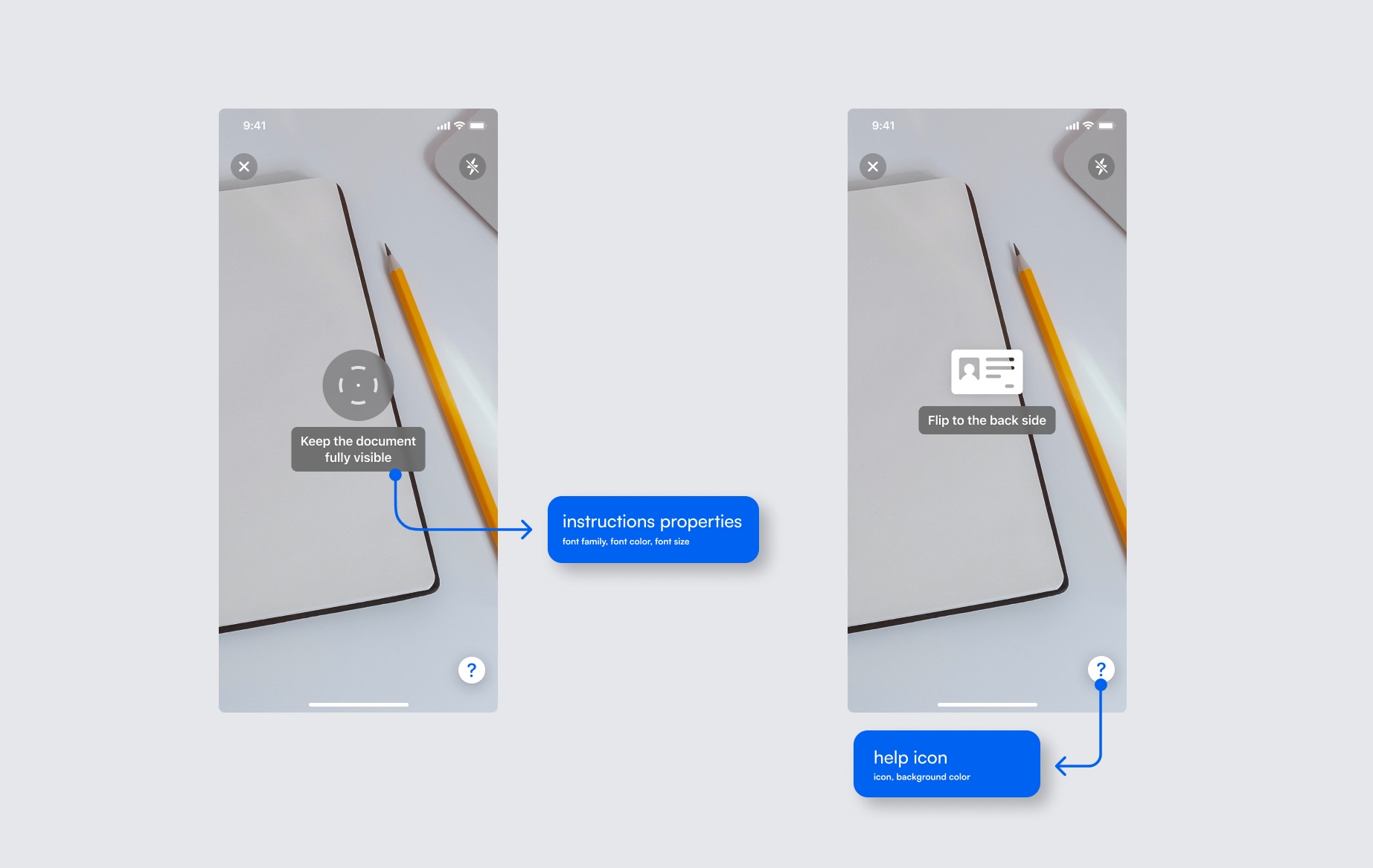
The MicroblinkPlatform SDK comes with the ability to customize some aspects of the UI by using the UI theming. The screens can be customized to fit your app’s look and feel by defining UI settings.
Customizations are done via MicroblinkPlatformTheme.
To change default blue tint, you can override primary color.
MicroblinkPlatformTheme.shared.primaryColor = your_color
To change image on main screen, you can override main screen image.
MicroblinkPlatformTheme.shared.mainScreenMainImage = your_image
To change font of title on main screen, you can override main screen title font.
MicroblinkPlatformTheme.shared.mainScreenTitleFont = your_font
To change button corner radius.
MicroblinkPlatformTheme.shared.buttonCornerRadius = your_corner_radius