Meet image requirements
The BlinkID Verify SDK handles image requirements automatically and provides optimal images to the API.
If you're not using the Verify SDK, or you're just testing the API, use the following guidelines to ensure the best possible results.
Image formats
All endpoints accept JPEG and PNG images. The resolution of the image should be at least 1080p (1920×1080 px). Smaller resolutions are accepted, but won't provide optimal results. Larger resolutions are also accepted, but won't improve the scanning process significantly. Going above 4K is not recommended in any case.
JPEG is recommended; use a high quality compression setting.
Positioning
Ensure the document fills approximately 60% - 70% of the image and is the original, uncropped and unprocessed camera frame.
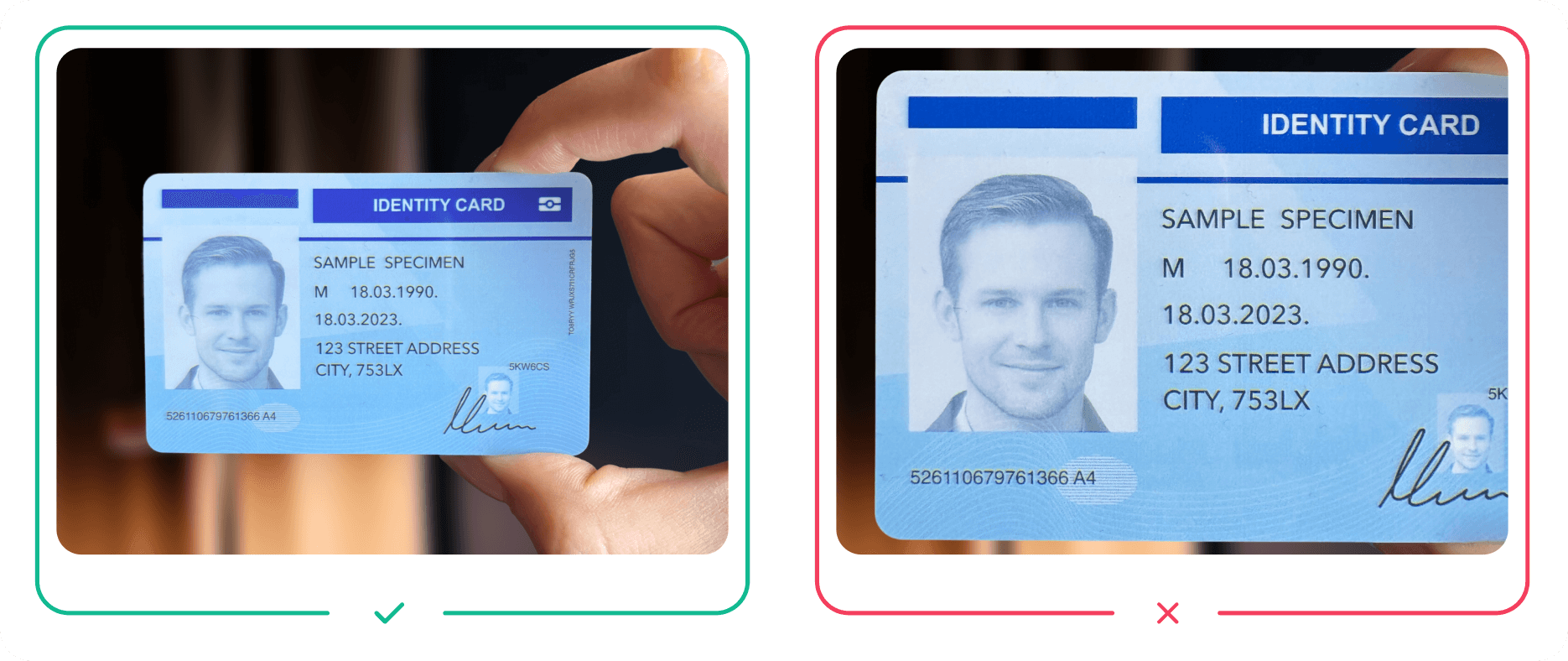
Ensure the document is fully visible.
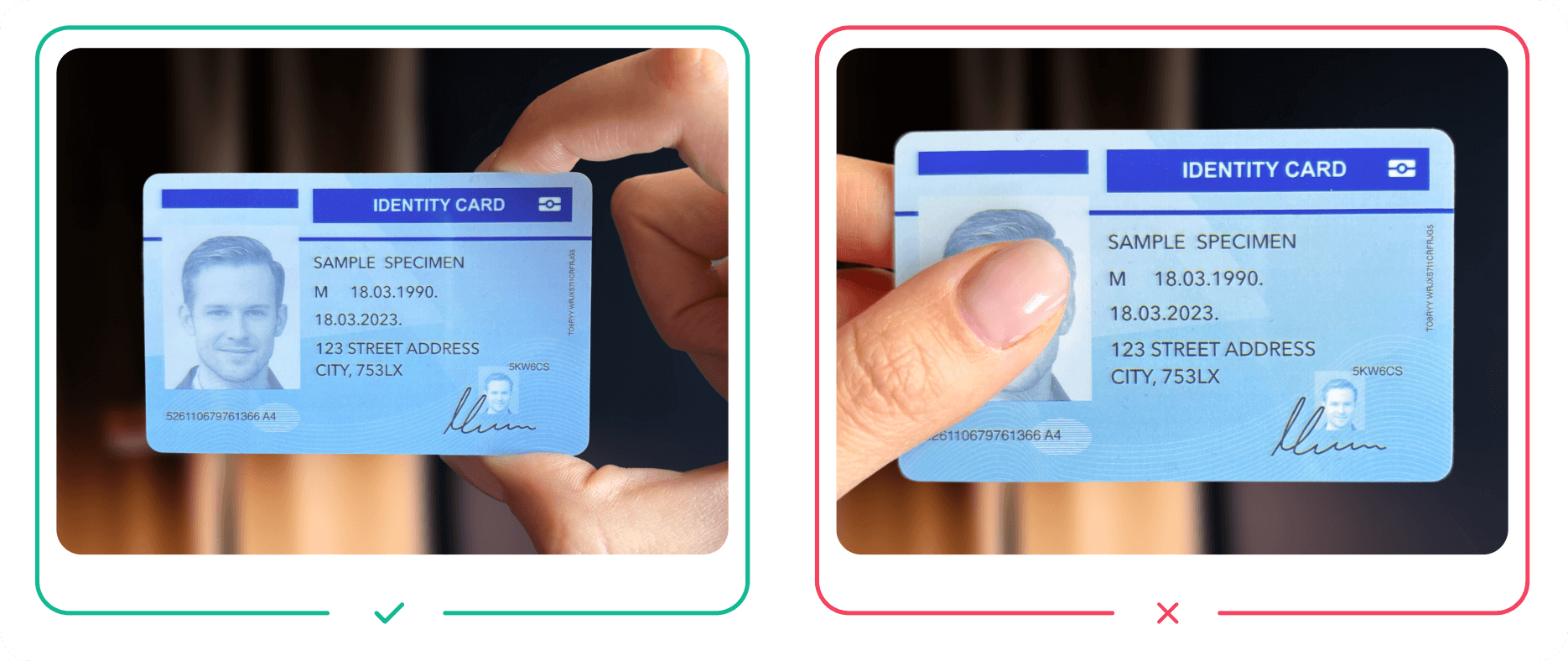
Framing and context
Leave sufficient spacing on each side of the document. This helps detect the edges of the document.
If you're using liveness checks, make sure the captured images have enough physical real-world context, which is important for their accuracy.
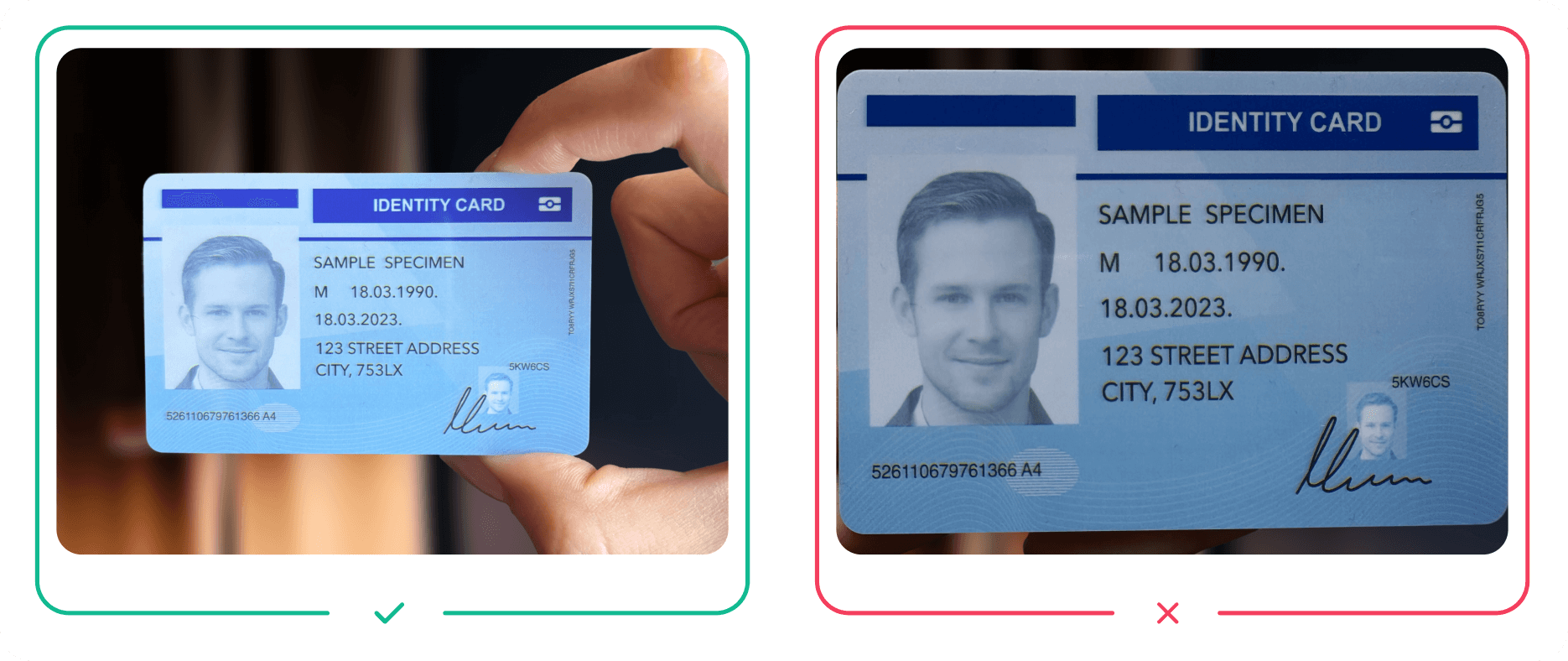
Lighting conditions
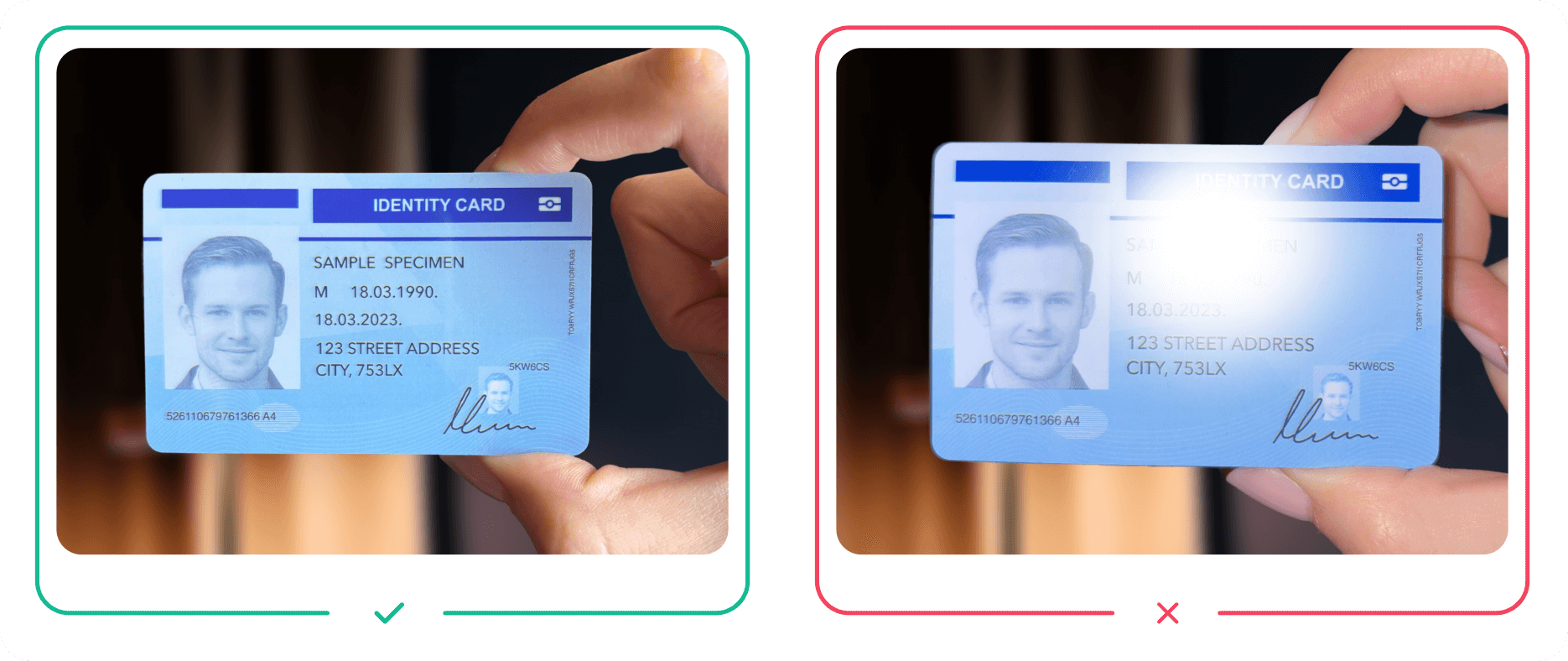
Ensure good lighting conditions. Make sure the document is well-lit and avoid scanning against bright backgrounds.
Natural daylight produces best results. Avoid using a flashlight as it's likely to cause glare.
Resolution
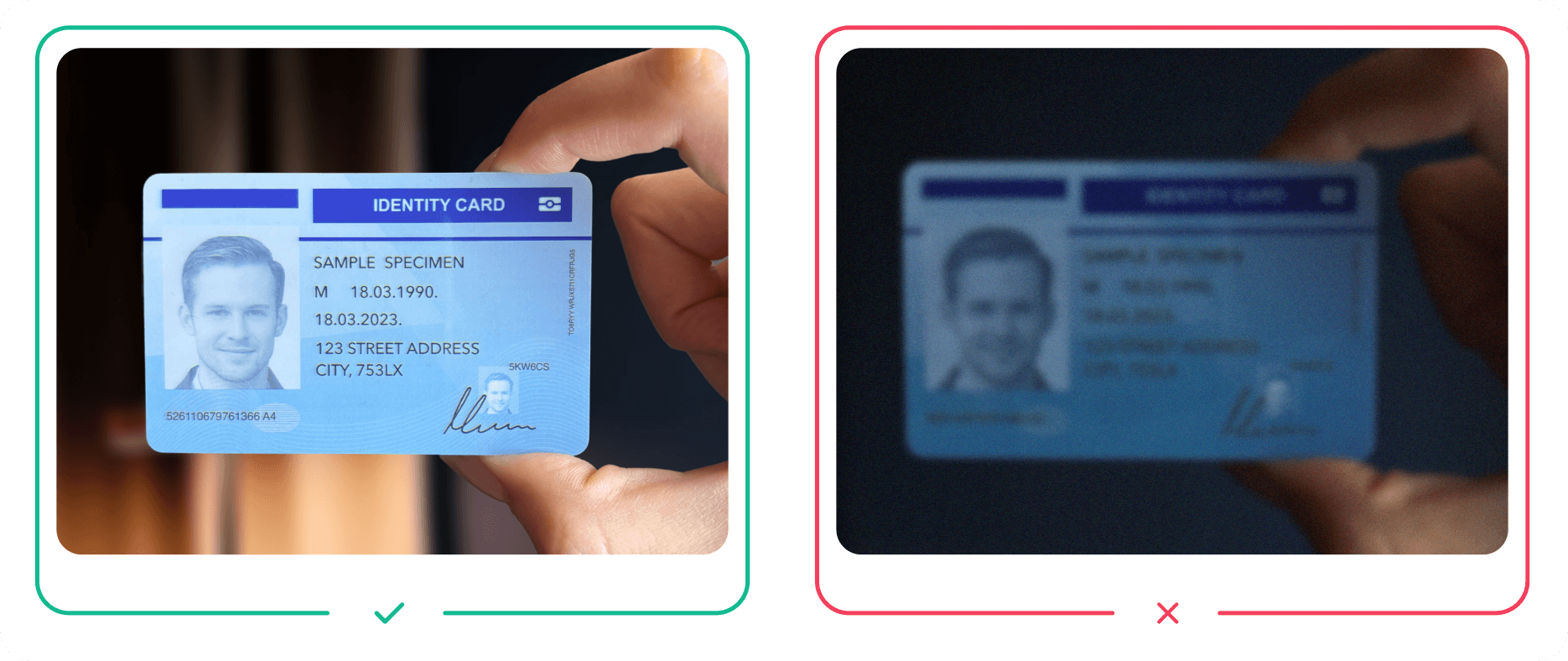
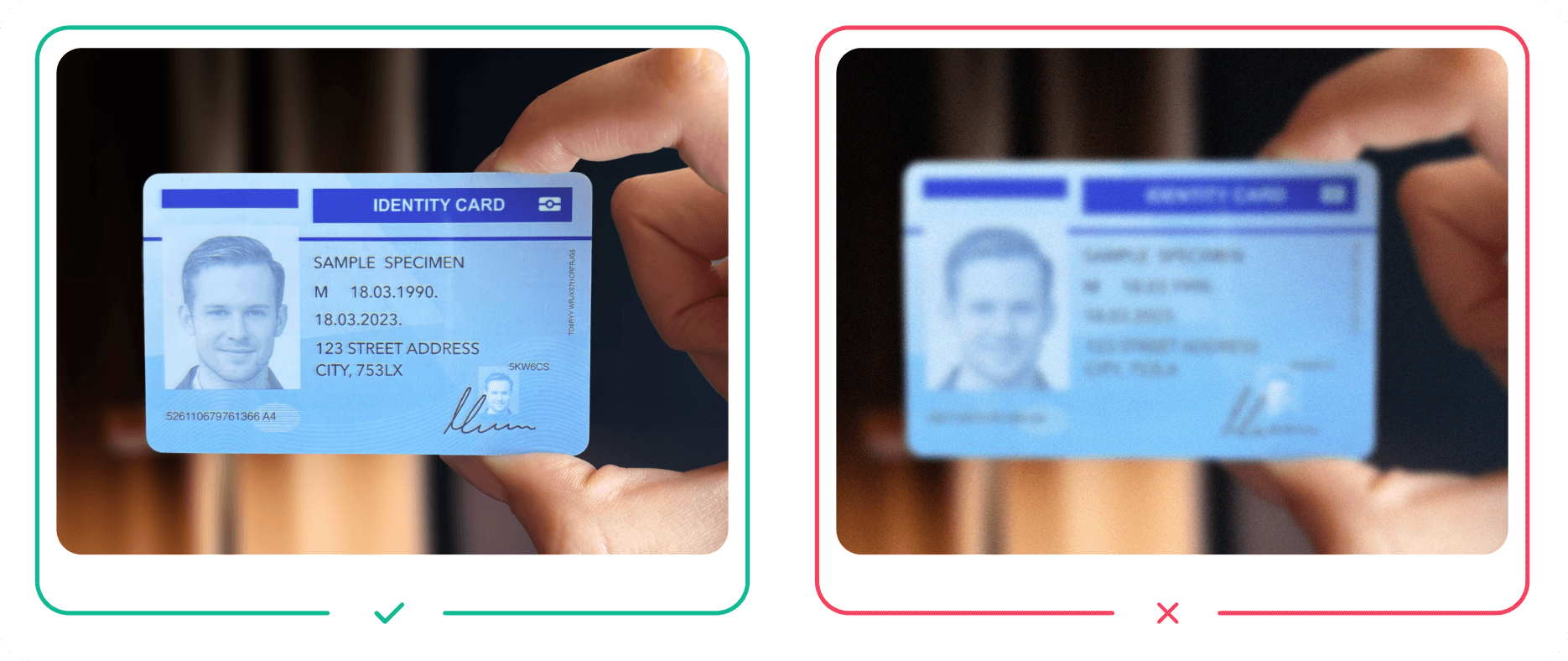
Blurred images are difficult to read even for humans. Make sure that the images you use aren't blurred.
Capture both sides (if applicable)
If you're capturing a multi-sided document (e.g. not a passport or similar), capture both sides. More checks can run, and the resulting verification is significantly more robust.
SDK
Repeated image failures lead to abandonment. Use the Verify SDK to maximize first-time success rates.