Quick start
This guide walks through sending document images to the Verify cloud API and getting a verification response.
Using a client-side SDK is strongly recommended for production, but for this guide the API is used directly.
Get an API key
To use the cloud API, you need an API key:
- Sign up at the developer hub.
- Contact sales.
- Your key is available under the "API keys" section in the developer hub.
Regions
The API is available in the following regions:
| Region | URL |
|---|---|
| US east | https://us-east.verify.microblink.com |
| EU | https://eu.verify.microblink.com |
| Canada | https://ca.verify.microblink.com |
Make a request
The endpoint format is:
https://{region}.verify.microblink.com/api/v2/docver
The API accepts base64-encoded images, multipart form data, or URLs to images. Here's a basic multipart request:
curl --request POST --url https://us-east.verify.microblink.com/api/v2/docver --header 'Authorization: Basic xxxxxxxxxxxxxxxxxxxxxxxxxx' --header 'content-type: multipart/form-data' --form imageFront=@front_id.jpg --form imageback=@back_id.png
Use Basic Authentication with your license key and secret.
The format is Basic {base64(licenseKey:secret)}.
Images you can use for testing
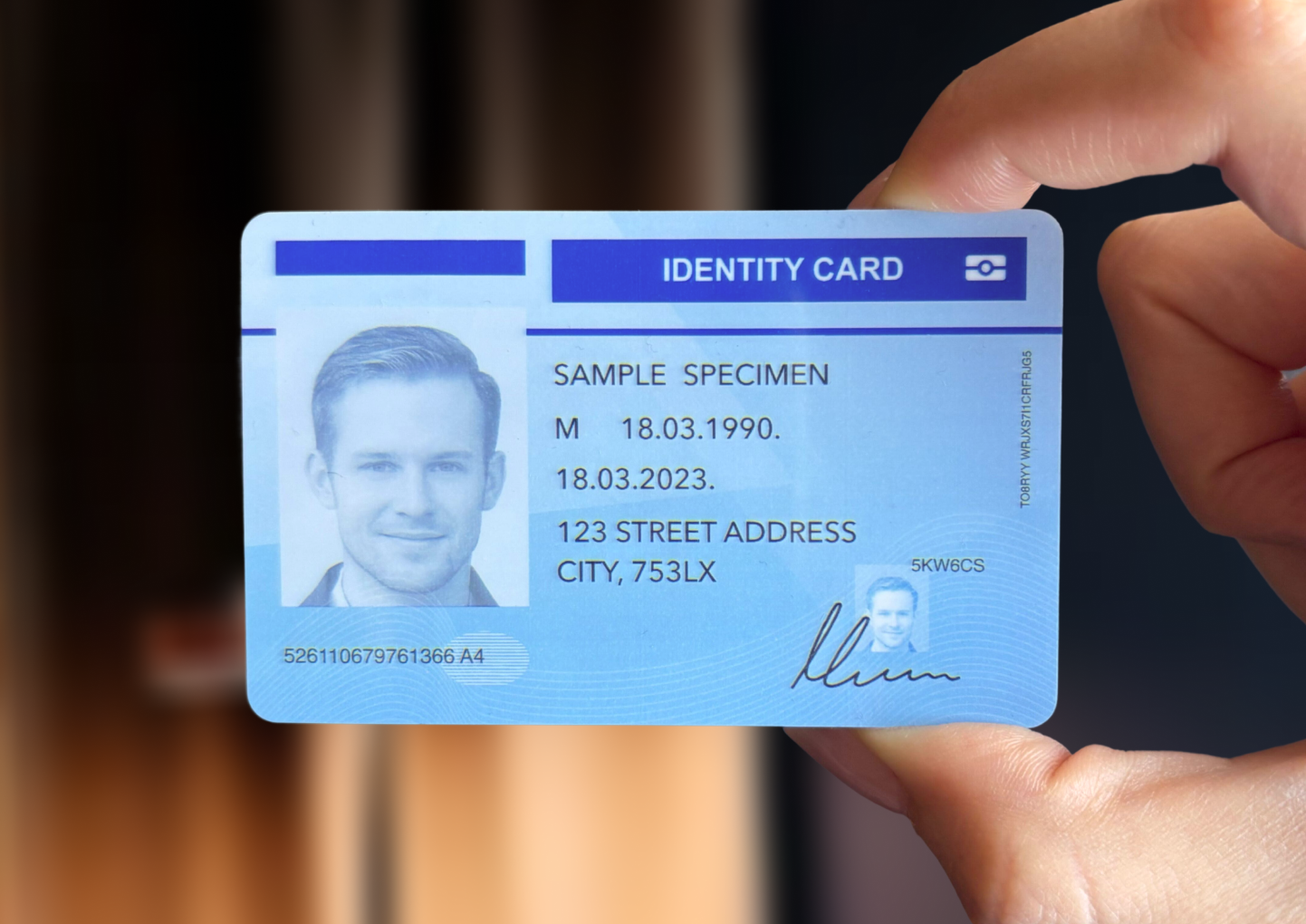
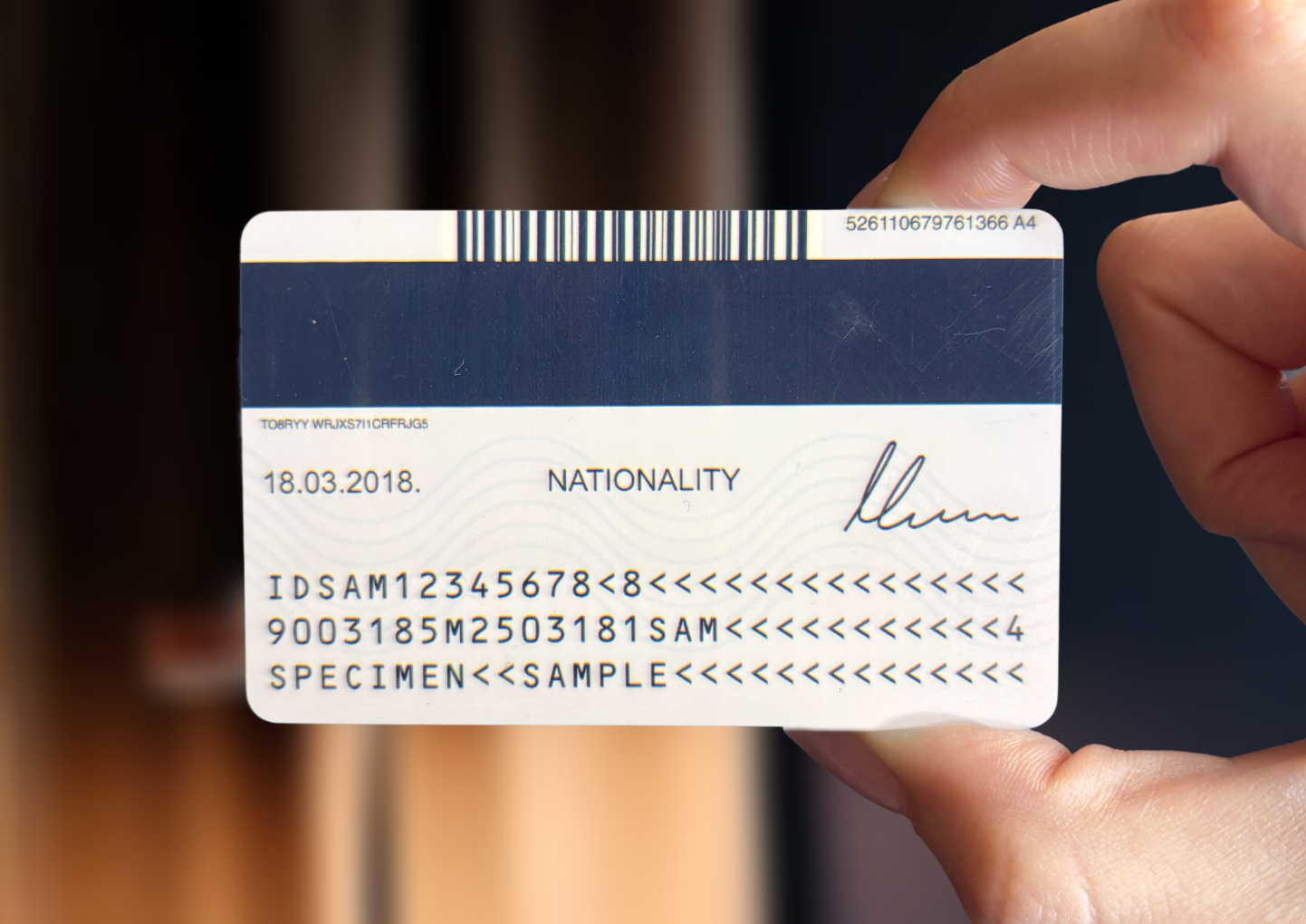
To customize the request, use different options or different use cases.
Understand the response
The API responds with a JSON object containing the verification and extraction results. Here's a trimmed example:
{
  "processingStatus": "Completed",
  "verification": {
    "recommendedOutcome": "Accept",
    "result": "Pass",
    "certaintyLevel": "High",
    "performedChecks": 34,
    "type": "DetailedCheck"
  },
  "messages": [],
  "checks": [],
  "processIndicators": [],
  "extraction": {},
  "runtime": {},
  "images": [],
  "optionsUsed": {},
  "useCaseUsed": {}
}
The key fields:
processingStatus: The overall status of the processing. Should beCompletedfor a successful verification.verification.recommendedOutcome: The final recommendation for the transaction based on all checks, your options, and your use case. Can beAccept,Reject,ManuallyReview,Retry, orUndeterminable.checks: A list of all high-level checks performed. Not all checks apply to all documents, and they can be enabled or disabled.extraction: The extracted data from the document, including MRZ and barcode if present.processIndicators: Indicators of image quality and capture conditions. They help explain results and can alert you to issues outside of fraud checks.
The full response schema is available in the API reference.